
A/B Testing Opt-In Forms
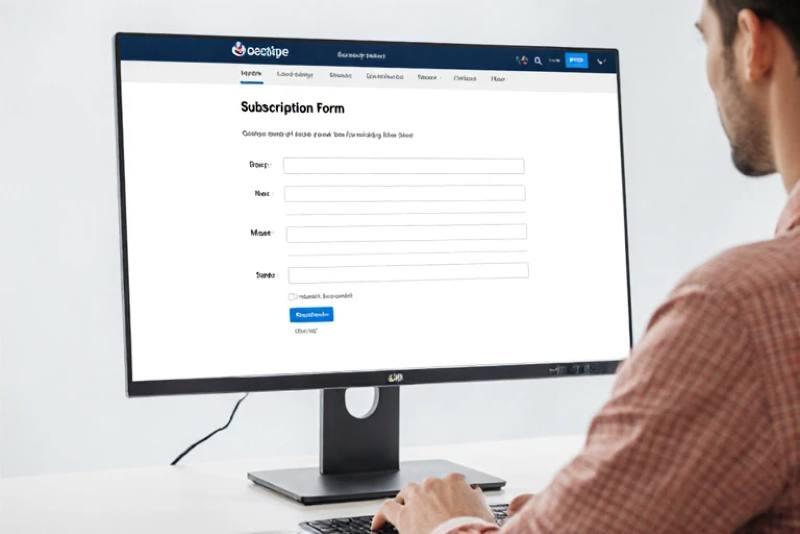
A/B testing is a powerful method to determine the best placement for your opt-in forms. Here’s a step-by-step guide to help you maximize your conversion rates through effective A/B testing.
Step 1: Define Your Goal
Before you even begin, decide what it is you want. Your goal might be to increase the number of email sign-ups or improve the conversion rate of a specific opt-in form.
Step 2: Choose the Elements to Test
Decide which aspects of your opt-in form you want to test. Here are some common elements:
- Placement: Test different locations (e.g., above the fold, sidebar, pop-up).
- Design: Experiment with colors, fonts, and button styles.
- Copy: Work with your description or headline and change them up, or even your call to action.
- Form Length: Test short forms (name and email) versus longer forms (additional information).
Step 3: Create Variations
Create two versions of your opt-in form. For example:
- Version A: Opt-in form placed in the sidebar.
- Version B: Opt-in form placed at the end of a blog post.
Make sure only one element changes between the two versions. This helps you identify what works best.
Step 4: Use A/B Testing Tools
Utilize A/B testing tools to manage your tests. Some popular options include:
- Google: Use free tool Optimize Google.
- Optimizely: A user-friendly platform for A/B testing.
- Unbounce: Great for landing pages and opt-in forms.
Performance tracking, analyze results, and more is available with these tools.
Step 5: Set Up Your Test
1. Traffic Distribution: Split your audience evenly between the two versions. For instance, Version A 50% and Version B 50%.
2. Duration: Run the test for a sufficient time. A week or two is usually enough to gather meaningful data.
Step 6: Monitor Performance
Track key metrics during the test. Focus on: – Conversion Rate: The percentage of visitors who sign up.
- Engagement: How long users stay on the page.
- Bounce Rate: Percent of visitors who do not interact and leave.
Step 7: Analyze Results
After the test period, analyze the data. Determine which version performed better based on your defined goal. Look for significant differences in conversion rates.
Step 8: Implement Changes
As soon as the top version is decided, incorporate it within your site. If Version A performed better, keep it in place. If Version B won, make it your primary opt-in form.
Step 9: Continue Testing
A/B testing is an ongoing process. Continue to test different placements, designs, and copy. Regular testing helps you stay updated on what works best for your audience.
A/B testing different opt-in form placements can significantly improve your conversion rates. By following these steps, you can make data-driven decisions that enhance your email sign-up process.
